Changes to word count
Improvement
Our engineers have made some adjustments to word count to fix some discrepancies between provided numbers in Ellipsus, improve accuracy, and more closely match counts provided by other tools.
5
Skip to content
Our engineers have made some adjustments to word count to fix some discrepancies between provided numbers in Ellipsus, improve accuracy, and more closely match counts provided by other tools.
5
You waited; you yearned… As of today, an offline-friendly Ellipsus app for Android is officially out, and free to download and use on as many devices as you like.
This is our first step to becoming a fully dual online/offline writing tool, with an iOS and desktop app on the way. We hope you’re as excited as we are!
Get it while it's hot, and smash those five stars so other tired writers can reach the safety of Ellipsus in the slimy alleys of app stores and AI-powered "writing companions".
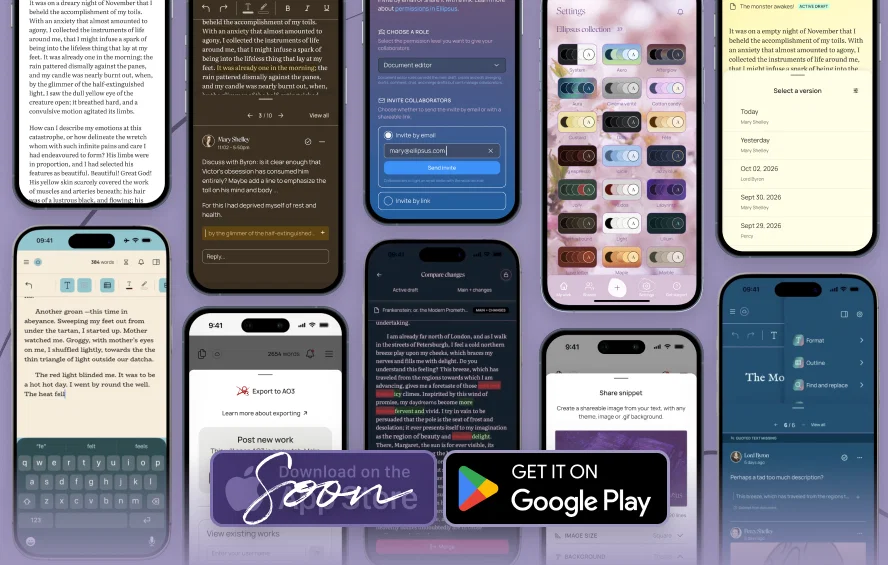
🛜 When online, you can enjoy the full range of mobile features, including sharing and collaborating.
💾 Changes you make offline will stay saved on your device, and sync automatically once you reconnect. Check out our Help Center for using the mobile app offline
Important: Before going offline, open each document and draft you plan to work on offline. Ellipsus works from the copy most recently loaded onto your device, so documents you haven’t opened yet may not be available once you lose your connection.)
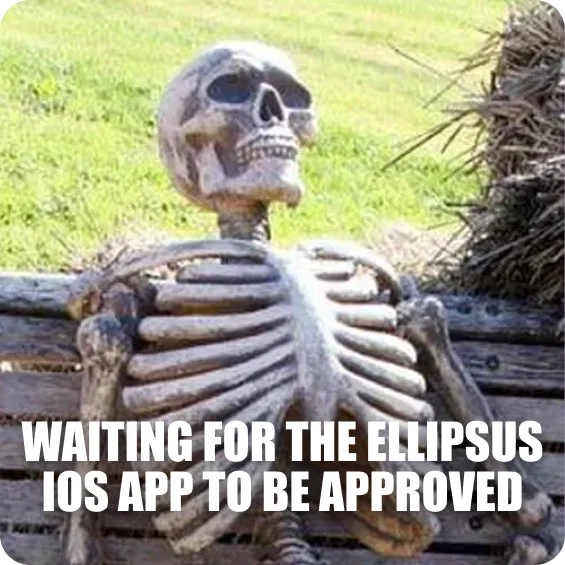
We've been stuck in Apple's App Store review process for a few weeks (and sharing memes about it). We didn't want to hold off on releasing Android over it. We'll be shouting it from the rooftops once the iOS version is out, too!
10
Collapsed headings will still be collapsed when you close and re-open a document on the same device.
💡 To turn on the option to toggle headings in your document, open Editor settings via the ⛭ icon in the sidebar.
2
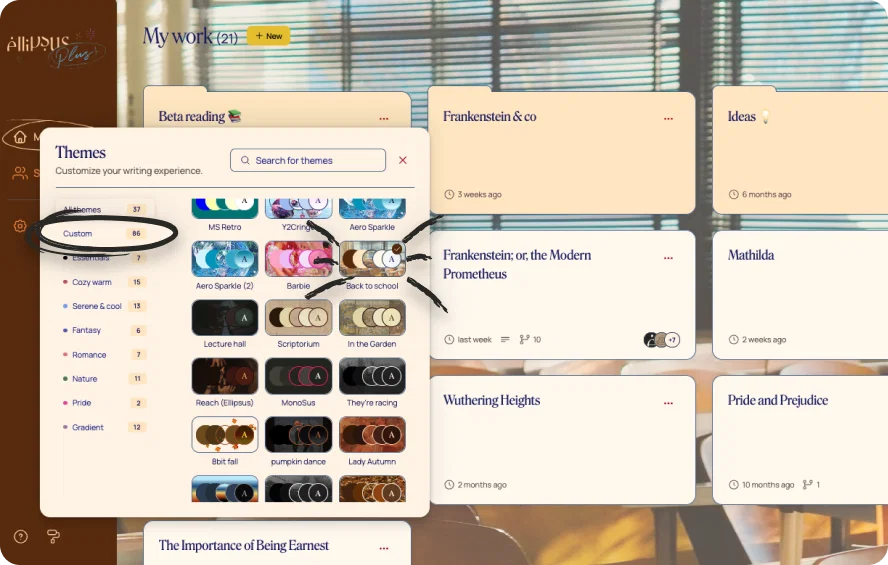
The theme picker now scrolls to the active theme when opened and there's a new "custom themes" category in the theme picker for easier navigation.
2
You've loved JPG, PNG, and WebP—now get ready for GIF and SVG!
Add them to your writing in the Editor, see them render beautifully in the Reader, all following the same formatting and sizing as other image uploads.
🔒👀 Spoiler text (free for all!). You can now hide any text behind a click! Use spoilers in your docs and drafts, in comments, or in the Reader for your audience.
Select any text → hit the Spoiler button (closed eye icon) on the bottom bar or under Styling in the Format panel.

📄 Document defaults (for Ellipsus Plus). Set your favorite font, size, spacing, alignment, and pages/pageless layout once... and every new doc will open looking just how you like it. (Want something different for an individual doc? You can still tweak everything in the Format panel.)
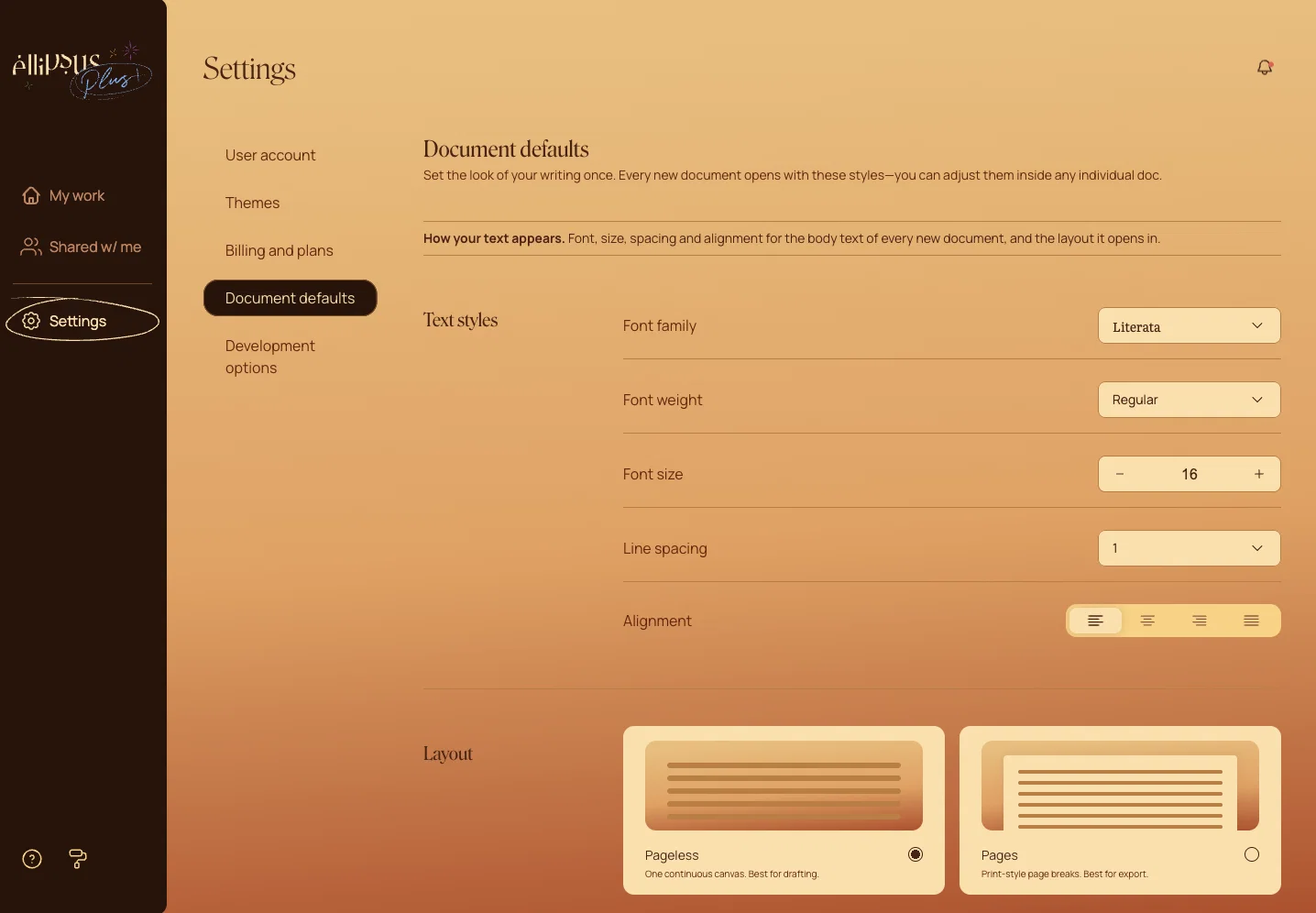
You can access your defaults panel in any document, from the gear icon on the top of the right sidebar. Learn more in the Help Center.
5
The engineering team has made some updates and improvements related to compaction and fetching behavior that should reduce lag -- especially for users with a large number of custom themes -- and speed up theme population.
Check out our blog post about why we hate AI verifiers; and watch the video to see what’s new! 👇
4
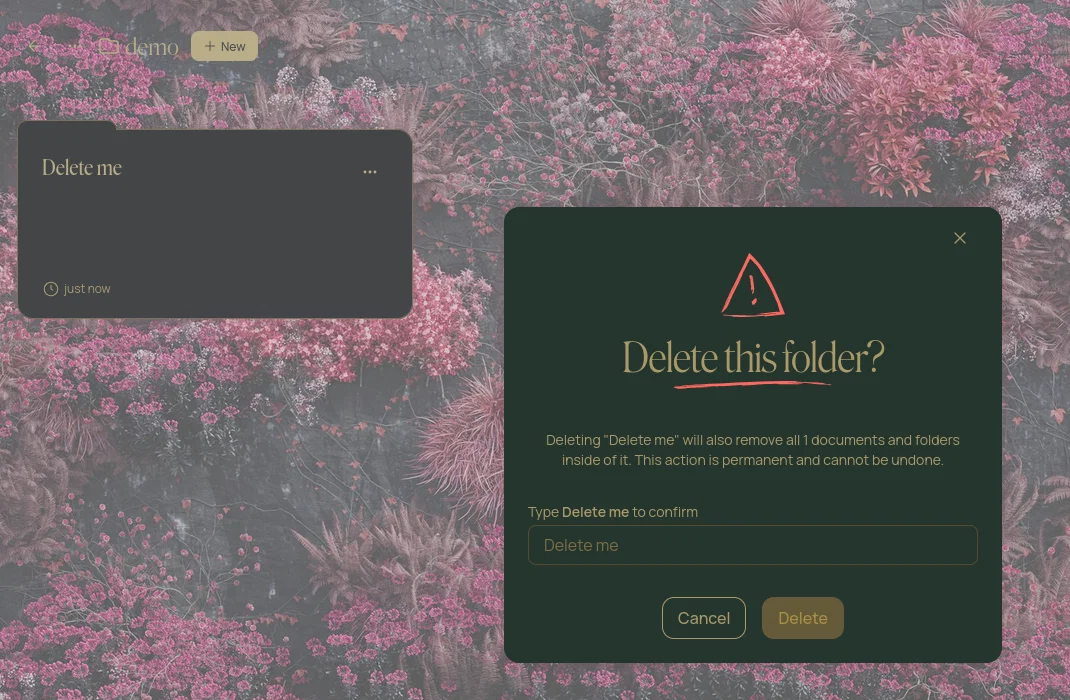
Deleting a folder with works inside now requires the folder name to be typed as a confirmation step.
We’re launching the Ellipsus theme gallery so you can browse and download homemade themes that we’re writing on. We hope you enjoy them as much as we do 😎
👉 Learn more about custom themes
We're adding new custom themes to the gallery every week. #ThemeThursday is back!
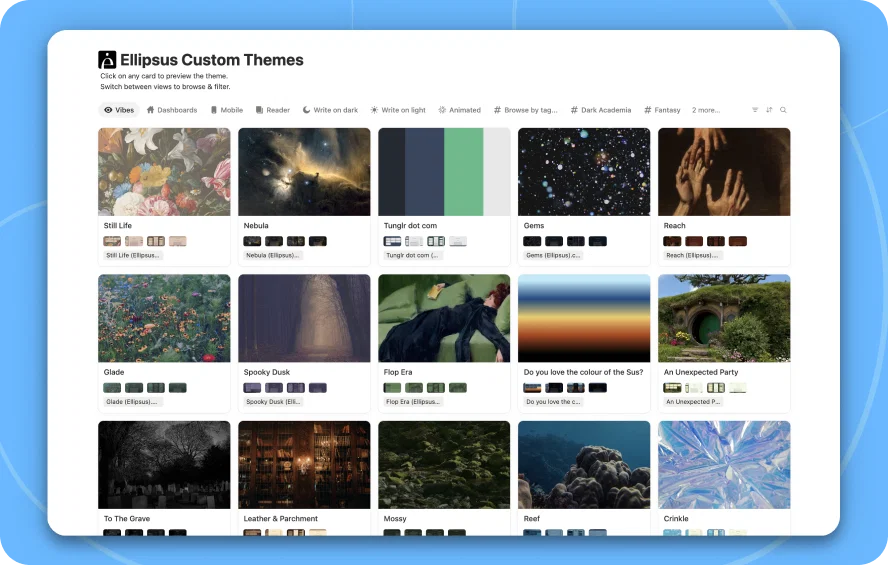
💡 Note: Custom themes are an Ellipsus Plus feature. On the free plan, you can still browse the gallery, but you won't be able to import themes. Learn more about Ellipsus Plus ->
4